Misc Electronics

Gigabyte Buzzer

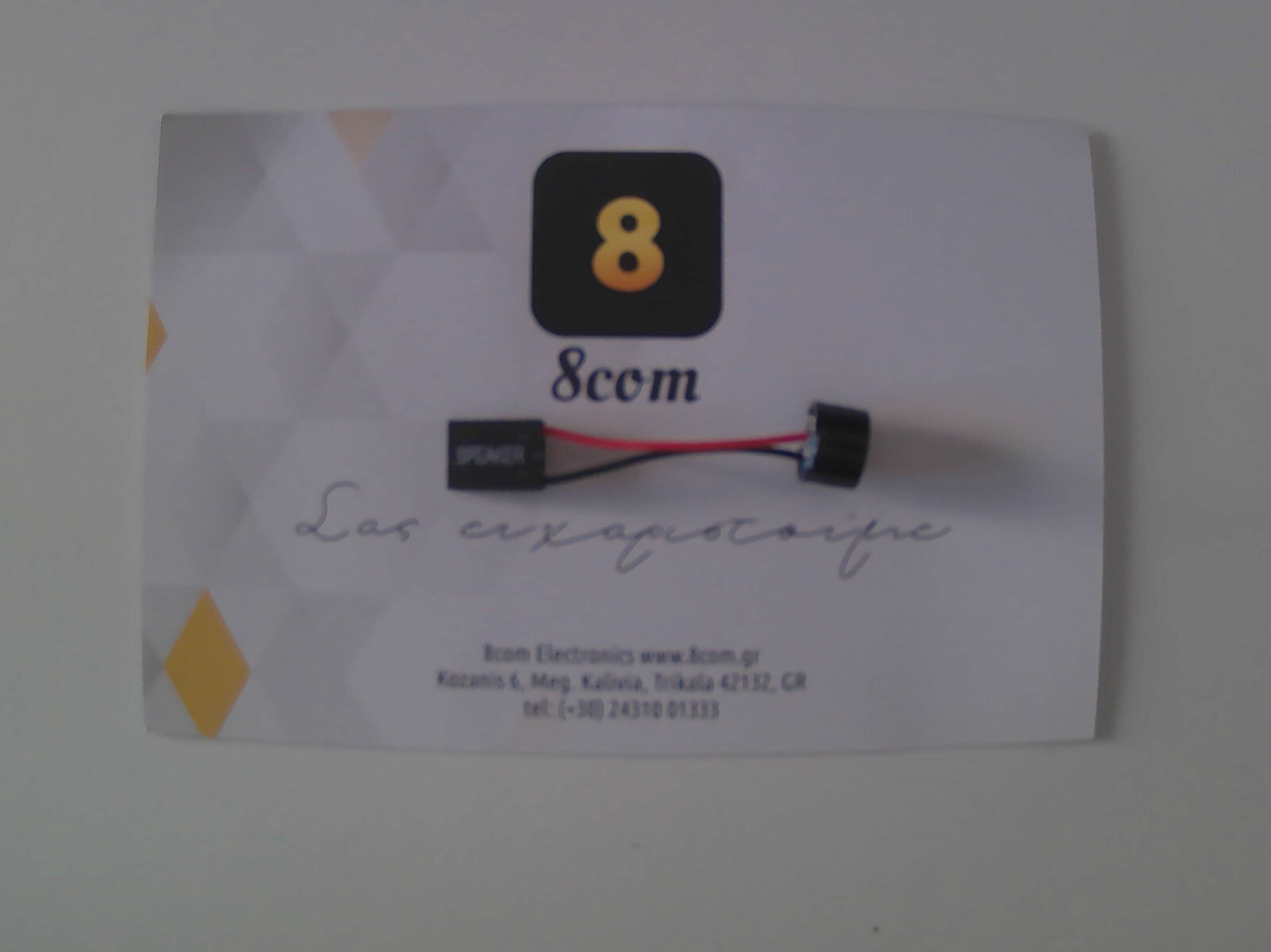
Beeper or Buzzer for the motherboard, used for diagnostic checks during the computer's POST. It connects to the 4-pin Speaker header, which is usually found at the bottom of a motherboard, also known...

Beeper or Buzzer for the motherboard, used for diagnostic checks during the computer's POST. It connects to the 4-pin Speaker header, which is usually found at the bottom of a motherboard, also known as JFP1 (Jumper Front Panel), exactly next to the connections for the PC Case cables (Computer Case) Power SW, Reset SW, HDD LED, Power LED or PWR LED.

It is a...

See full description See full description

Description

Description

Beeper or Buzzer for the motherboard, used for diagnostic checks during the computer's POST. It connects to the 4-pin Speaker header, which is usually found at the bottom of a motherboard, also known as JFP1 (Jumper Front Panel), exactly next to the connections for the PC Case cables (Computer Case) Power SW, Reset SW, HDD LED, Power LED or PWR LED.

It is a way to check that our PC is functioning correctly. Usually, when we hear 1 beep, the computer's operation is smooth and the boot is successful. Each motherboard has different beeps depending on the manufacturer. Ideally, you should refer to the manual that came with your motherboard to identify any errors during POST.

Manufacturer

See full description

Specifications

Specifications

Type
Buzzer
Packaging
1 pcs

Important information

Specifications are collected from official manufacturer websites. Please verify the specifications before proceeding with your final purchase. If you notice any problem you can report it here.

See all specifications

Reviews (20)

Reviews

  1. 20
  2. 4 stars
    0
  3. 3 stars
    0
  4. 2 stars
    0
  5. 1 star
    0
Review this product

Reviews by our members

  • Giorgis00
    5
    7 out of 7 members found this review helpful

    Don't confuse it with PC speakers, this simply makes a "beep" depending on whether the PC is working well or not. Usually one "beep" means everything is OK while many "beeps" mean something is wrong. Depending on the number of "beeps" you can figure out which part of the PC isn't working (CPU/RAM/GPU/SSD/HDD etc). What the number of "beeps" corresponds to I can't say specifically, it varies from motherboard to motherboard. In the past, most PCs had a similar built-in one but they have stopped doing that now. Unfortunately, my motherboard did NOT have a socket for this as do many other new motherboards. I advise you to check your motherboard's manual to see if there is a socket (it's usually near the front panel connectors).

    Translated from Greek ·
    Did you find this review helpful?
  • milidonis
    5
    3 out of 3 members found this review helpful

    Verified purchase

    The buzzer is just fine. Unfortunately, new motherboards no longer have these, and they are ultimately necessary if the PC doesn't boot for x, y reason

    Translated from Greek ·
    Did you find this review helpful?
  • Morrowind
    5
    3 out of 3 members found this review helpful

    Verified purchase

    Very good, cheap, does the job it needs to do, outdated technology of course, but it's always good to have a backup when a malfunction occurs.

    Translated from Greek ·
    Did you find this review helpful?
  • demetriusgekas
    5
    2 out of 2 members found this review helpful

    Verified purchase

    I bought 2, one for my main computer and one for my server, the server is programmed on Linux (using the beep program) to have similar notifications, it is quite powerful, worth putting one like this on your computer even if it is outdated technology.

    Translated from Greek ·
    Did you find this review helpful?
  • Verified purchase

    does its job without much fuss

    Translated from Greek ·
    Did you find this review helpful?
  • 5
    2 out of 2 members found this review helpful

    Verified purchase

    It works perfectly

    Translated from Greek ·
    Did you find this review helpful?
  • 5
    1 out of 1 members found this review helpful

    Very good, does the job.

    Translated from Greek ·
    Did you find this review helpful?
  • Verified purchase

  • Verified purchase

  • Verified purchase

  • Verified purchase

  • Verified purchase

  • Verified purchase

  • Verified purchase

  • Verified purchase

  • Don't confuse it with PC speakers, this simply makes a "beep" depending on whether the PC is working well or not. Usually one "beep" means everything is OK while many "beeps" mean something is wrong. Depending on the number of "beeps" you can figure out which part of the PC isn't working (CPU/RAM/GPU/SSD/HDD etc). What the number of "beeps" corresponds to I can't say specifically, it varies from motherboard to motherboard. In the past, most PCs had a similar built-in one but they have stopped doing that now. Unfortunately, my motherboard did NOT have a socket for this as do many other new motherboards. I advise you to check your motherboard's manual to see if there is a socket (it's usually near the front panel connectors).

    Translated from Greek ·
    7
  • The buzzer is just fine. Unfortunately, new motherboards no longer have these, and they are ultimately necessary if the PC doesn't boot for x, y reason

    Translated from Greek ·
    3
  • Very good, cheap, does the job it needs to do, outdated technology of course, but it's always good to have a backup when a malfunction occurs.

    Translated from Greek ·
    3
  • I bought 2, one for my main computer and one for my server, the server is programmed on Linux (using the beep program) to have similar notifications, it is quite powerful, worth putting one like this on your computer even if it is outdated technology.

    Translated from Greek ·
    2
  • does its job without much fuss

    Translated from Greek ·
    0
  • See all

Description & Specifications

Beeper or Buzzer for the motherboard, used for diagnostic checks during the computer's POST. It connects to the 4-pin Speaker header, which is usually found at the bottom of a motherboard, also known as JFP1 (Jumper Front Panel), exactly next to the connections for the PC Case cables (Computer Case) Power SW, Reset SW, HDD LED, Power LED or PWR LED.

It is a way to check that our PC is functioning correctly. Usually, when we hear 1 beep, the computer's operation is smooth and the boot is successful. Each motherboard has different beeps depending on the manufacturer. Ideally, you should refer to the manual that came with your motherboard to identify any errors during POST.

Manufacturer

Type
Buzzer
Packaging
1 pcs

Important information

Specifications are collected from official manufacturer websites. Please verify the specifications before proceeding with your final purchase. If you notice any problem you can report it here.

Reviews (20)

  1. 20
  2. 4 stars
    0
  3. 3 stars
    0
  4. 2 stars
    0
  5. 1 star
    0
Review this product

Reviews by our members

  • Giorgis00
    5
    7 out of 7 members found this review helpful

    Don't confuse it with PC speakers, this simply makes a "beep" depending on whether the PC is working well or not. Usually one "beep" means everything is OK while many "beeps" mean something is wrong. Depending on the number of "beeps" you can figure out which part of the PC isn't working (CPU/RAM/GPU/SSD/HDD etc). What the number of "beeps" corresponds to I can't say specifically, it varies from motherboard to motherboard. In the past, most PCs had a similar built-in one but they have stopped doing that now. Unfortunately, my motherboard did NOT have a socket for this as do many other new motherboards. I advise you to check your motherboard's manual to see if there is a socket (it's usually near the front panel connectors).

    Translated from Greek ·
    Did you find this review helpful?
  • milidonis
    5
    3 out of 3 members found this review helpful

    Verified purchase

    The buzzer is just fine. Unfortunately, new motherboards no longer have these, and they are ultimately necessary if the PC doesn't boot for x, y reason

    Translated from Greek ·
    Did you find this review helpful?
  • Morrowind
    5
    3 out of 3 members found this review helpful

    Verified purchase

    Very good, cheap, does the job it needs to do, outdated technology of course, but it's always good to have a backup when a malfunction occurs.

    Translated from Greek ·
    Did you find this review helpful?
  • demetriusgekas
    5
    2 out of 2 members found this review helpful

    Verified purchase

    I bought 2, one for my main computer and one for my server, the server is programmed on Linux (using the beep program) to have similar notifications, it is quite powerful, worth putting one like this on your computer even if it is outdated technology.

    Translated from Greek ·
    Did you find this review helpful?
  • Verified purchase

    does its job without much fuss

    Translated from Greek ·
    Did you find this review helpful?
  • 5
    2 out of 2 members found this review helpful

    Verified purchase

    It works perfectly

    Translated from Greek ·
    Did you find this review helpful?
  • 5
    1 out of 1 members found this review helpful

    Very good, does the job.

    Translated from Greek ·
    Did you find this review helpful?
  • Verified purchase

  • Verified purchase

  • Verified purchase

  • Verified purchase

  • Verified purchase

  • Verified purchase

  • Verified purchase

  • Verified purchase

  • Don't confuse it with PC speakers, this simply makes a "beep" depending on whether the PC is working well or not. Usually one "beep" means everything is OK while many "beeps" mean something is wrong. Depending on the number of "beeps" you can figure out which part of the PC isn't working (CPU/RAM/GPU/SSD/HDD etc). What the number of "beeps" corresponds to I can't say specifically, it varies from motherboard to motherboard. In the past, most PCs had a similar built-in one but they have stopped doing that now. Unfortunately, my motherboard did NOT have a socket for this as do many other new motherboards. I advise you to check your motherboard's manual to see if there is a socket (it's usually near the front panel connectors).

    Translated from Greek ·
    7
  • The buzzer is just fine. Unfortunately, new motherboards no longer have these, and they are ultimately necessary if the PC doesn't boot for x, y reason

    Translated from Greek ·
    3
  • Very good, cheap, does the job it needs to do, outdated technology of course, but it's always good to have a backup when a malfunction occurs.

    Translated from Greek ·
    3
  • I bought 2, one for my main computer and one for my server, the server is programmed on Linux (using the beep program) to have similar notifications, it is quite powerful, worth putting one like this on your computer even if it is outdated technology.

    Translated from Greek ·
    2
  • does its job without much fuss

    Translated from Greek ·
    0
  • See all
2,00 €
14,00 €   shipping cost