- Suitable for all OBD II Enabled vehicles, both gasoline and diesel cars.
- Features the unique one-click readiness key for quick emissions readiness verification and drive cycle verification.
- Bright color LED indicators and built-in speaker provide visual and audible tone for readiness verification.
- Determines the cause of the check engine light (MIL).
- Turns off the check engine light (MIL), clears codes, and resets monitors.
- Displays freeze frame data.
- Displays monitor and I/M readiness status (emissions).
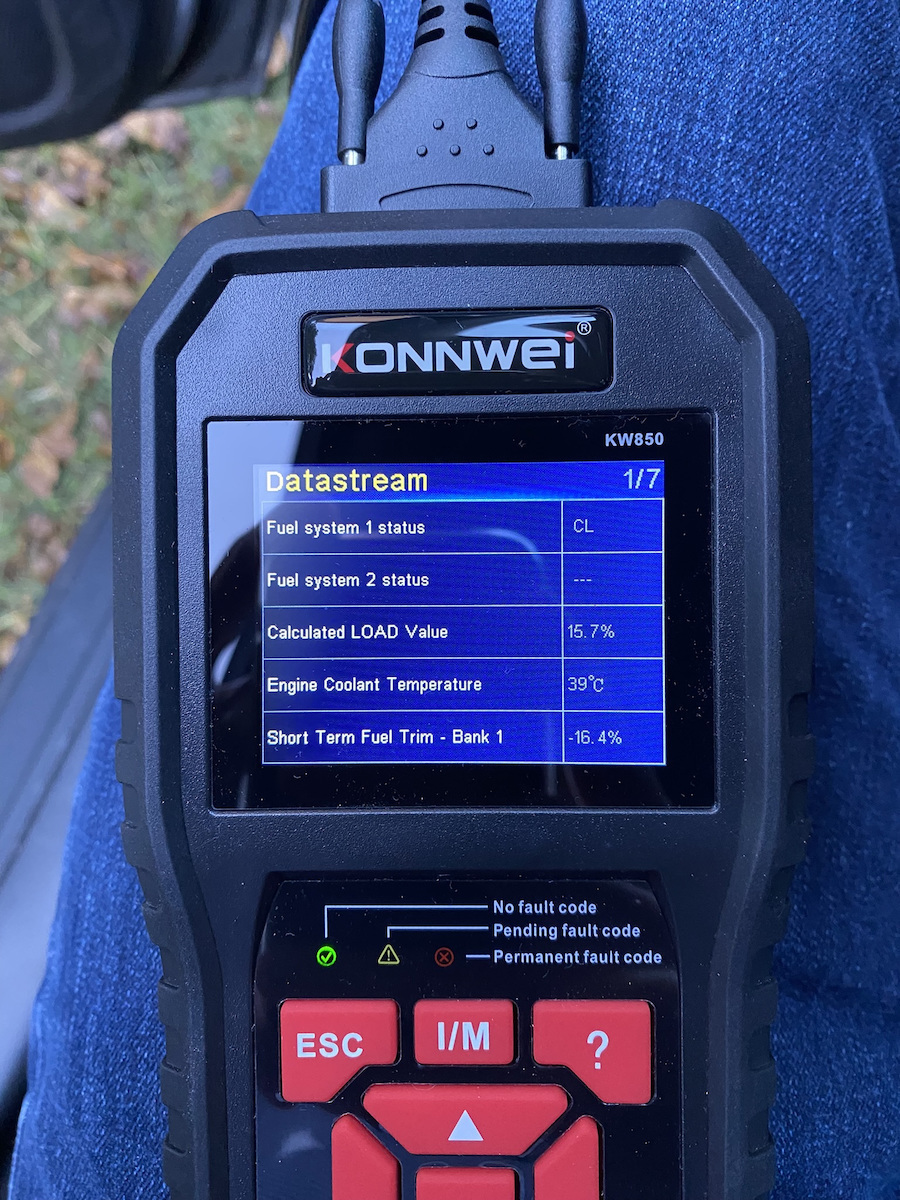
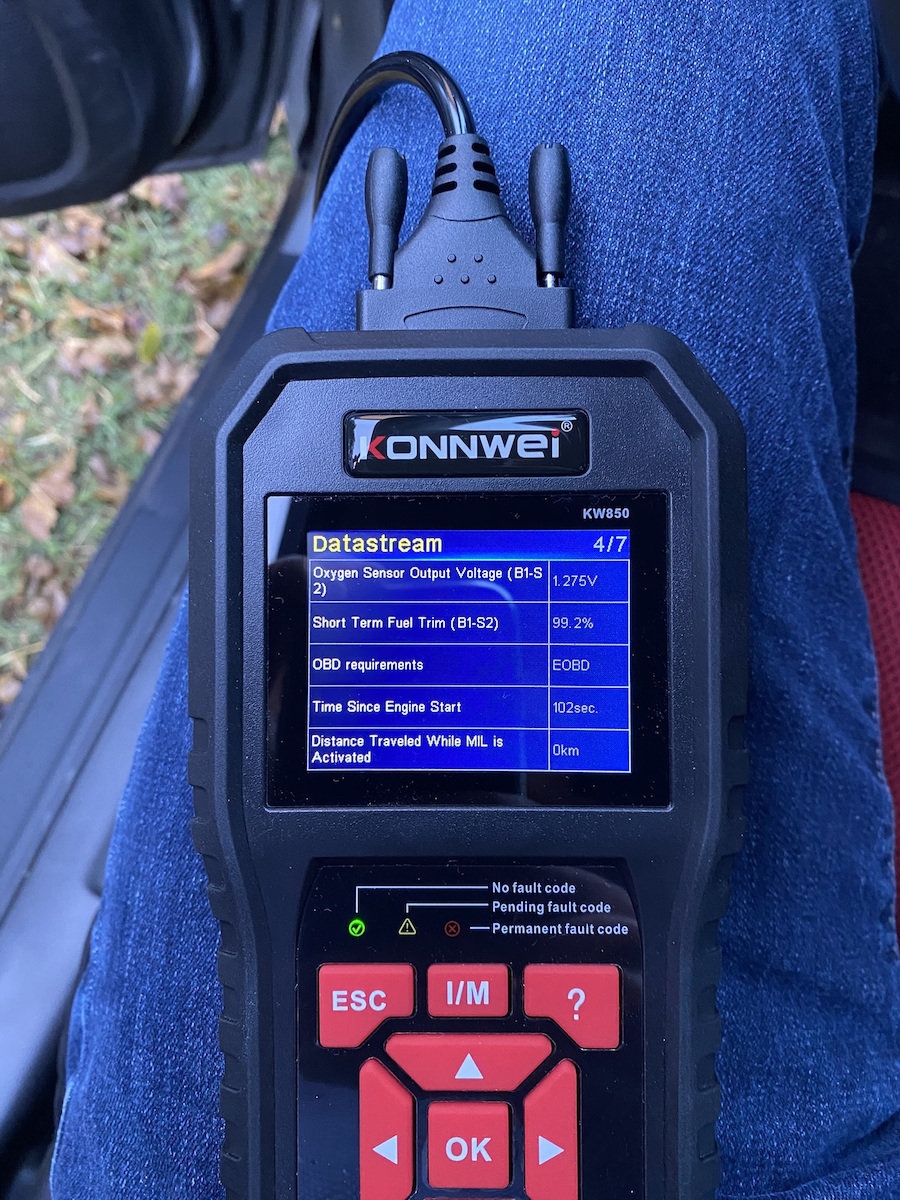
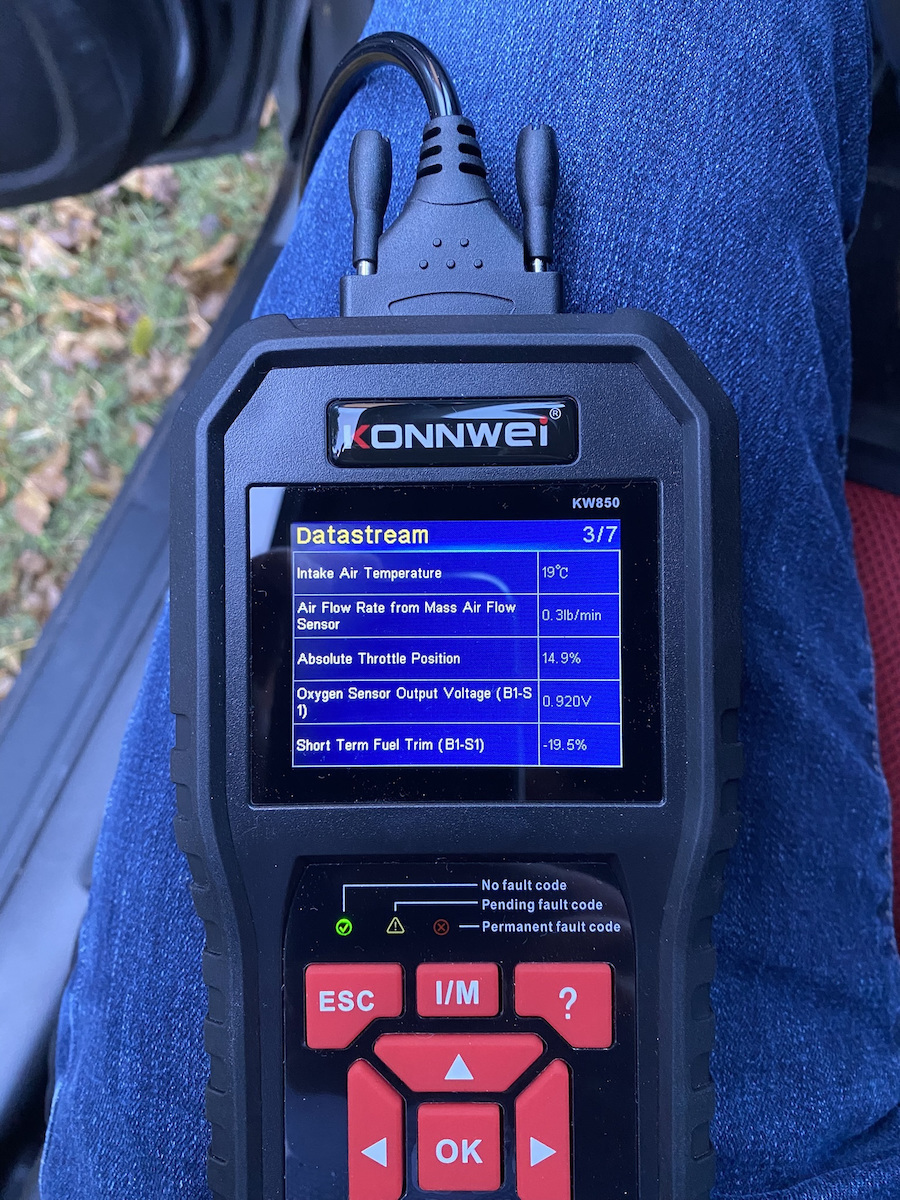
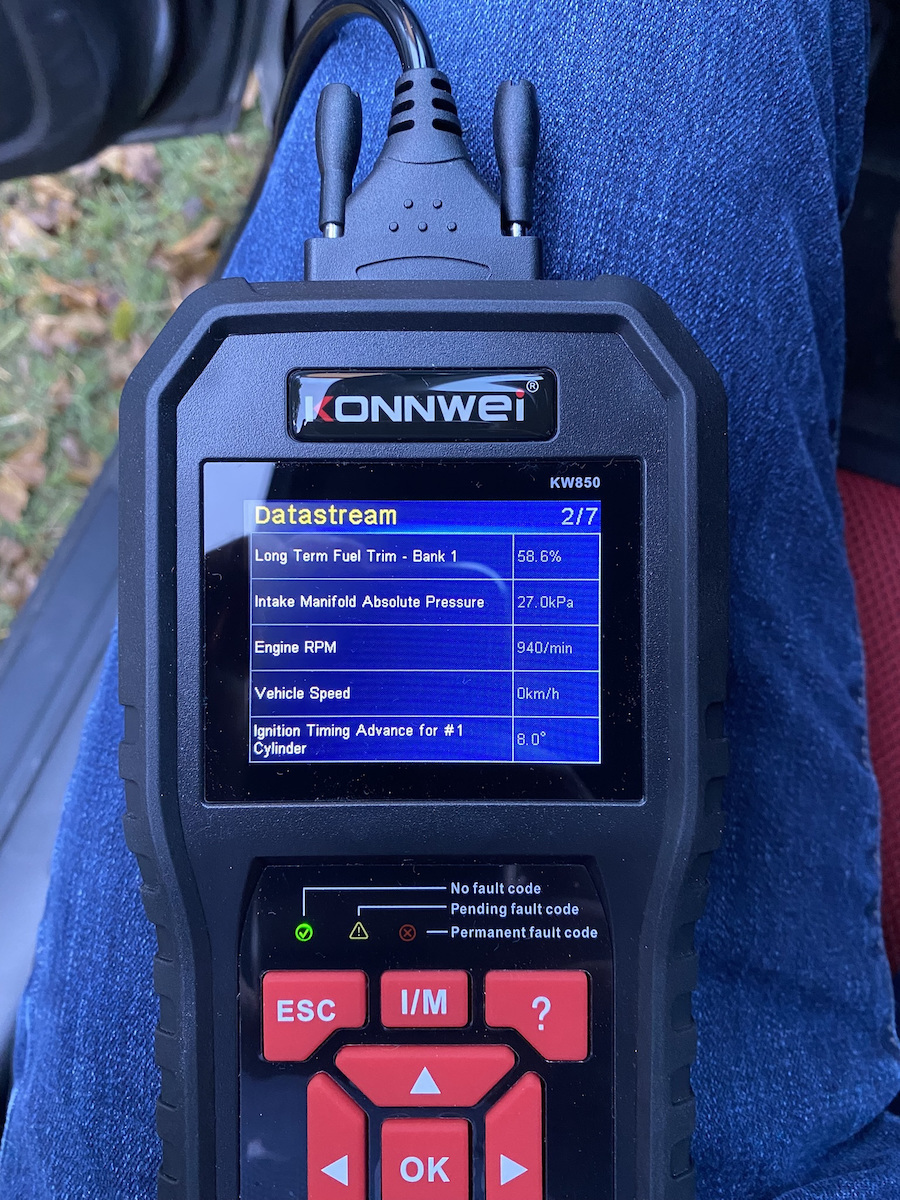
- Reads live PCM data stream.
- Displays live O2 sensor test data.
- EVAP system test data.
- Live sensor data in text and graph format (1996 and newer vehicles).
- Reads, stores, and plays back live sensor data.
- Troubleshooting code tips guide technicians to the root cause of a trouble code faster, saving diagnosis and repair time.
- Real-time battery voltage monitoring.
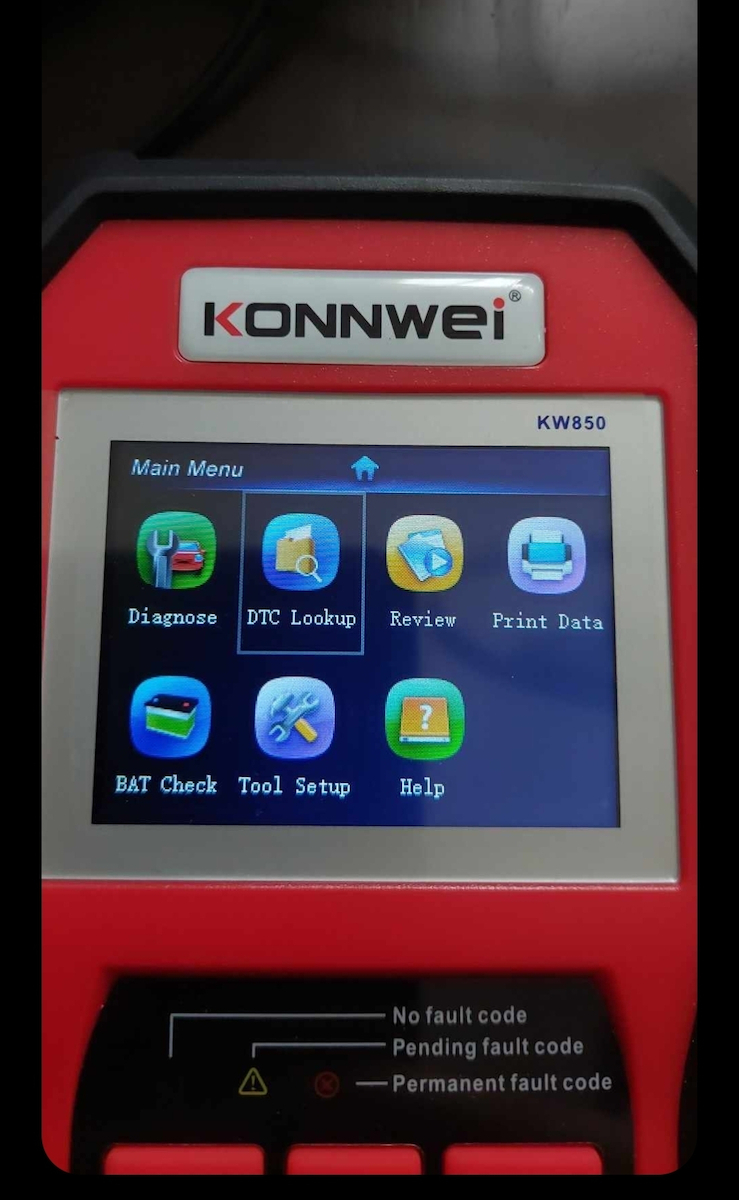
- Built-in DTC lookup library and screen definitions.
- Retrieves vehicle information (VIN, CIN, and CVN).
- Updateable and upgradeable via the Internet.
- Prints data via computer.
Professional vehicle scanning tool, useful for car owners or mechanics. Monitors the condition to resolve engine problems quickly and effectively.
With full OBDII functions, with exclusive oxygen sensor and built-in monitoring system.
Features
- Suitable for all OBD II Enabled vehicles, both gasoline and diesel cars.
- Features the unique one-click readiness key for quick emissions readiness verification and drive cycle verification.
- Bright color LED indicators and built-in speaker provide visual and audible tone for readiness verification.
- Determines the cause of the check engine light (MIL).
- Turns off the check engine light (MIL), clears codes, and resets monitors.
- Displays freeze frame data.
- Displays monitor and I/M readiness status (emissions).
- Reads live PCM data stream.
- Displays live O2 sensor test data.
- EVAP system test data.
- Live sensor data in text and graph format (1996 and newer vehicles).
- Reads, stores, and plays back live sensor data.
- Troubleshooting code tips guide technicians to the root cause of a trouble code faster, saving diagnosis and repair time.
- Real-time battery voltage monitoring.
- Built-in DTC lookup library and screen definitions.
- Retrieves vehicle information (VIN, CIN, and CVN).
- Updateable and upgradeable via the Internet.
- Prints data via computer.
Use on Computer
- After installing the “uplink” program on a computer, connect the scanner to the computer with a USB cable. (No need to press any button).
- Launch the “uplink” program, select the “Print” option.
- Operation on the scanner: go to the main menu, select “Print data”. Select the data option you want to print on the computer.
- After selecting the “print data”, the data flow stored in the scanner will be sent to the computer software, you can modify it before printing it from the computer printer.
- Product Number
- KW850
Connectivity
- Connection Type
- with Cable
Compatibility
- Type
- OBD 2
- Functional
- Android
Specifications
- Features
- Digital
Important information
Specifications are collected from official manufacturer websites. Please verify the specifications before proceeding with your final purchase. If you notice any problem you can report it here.