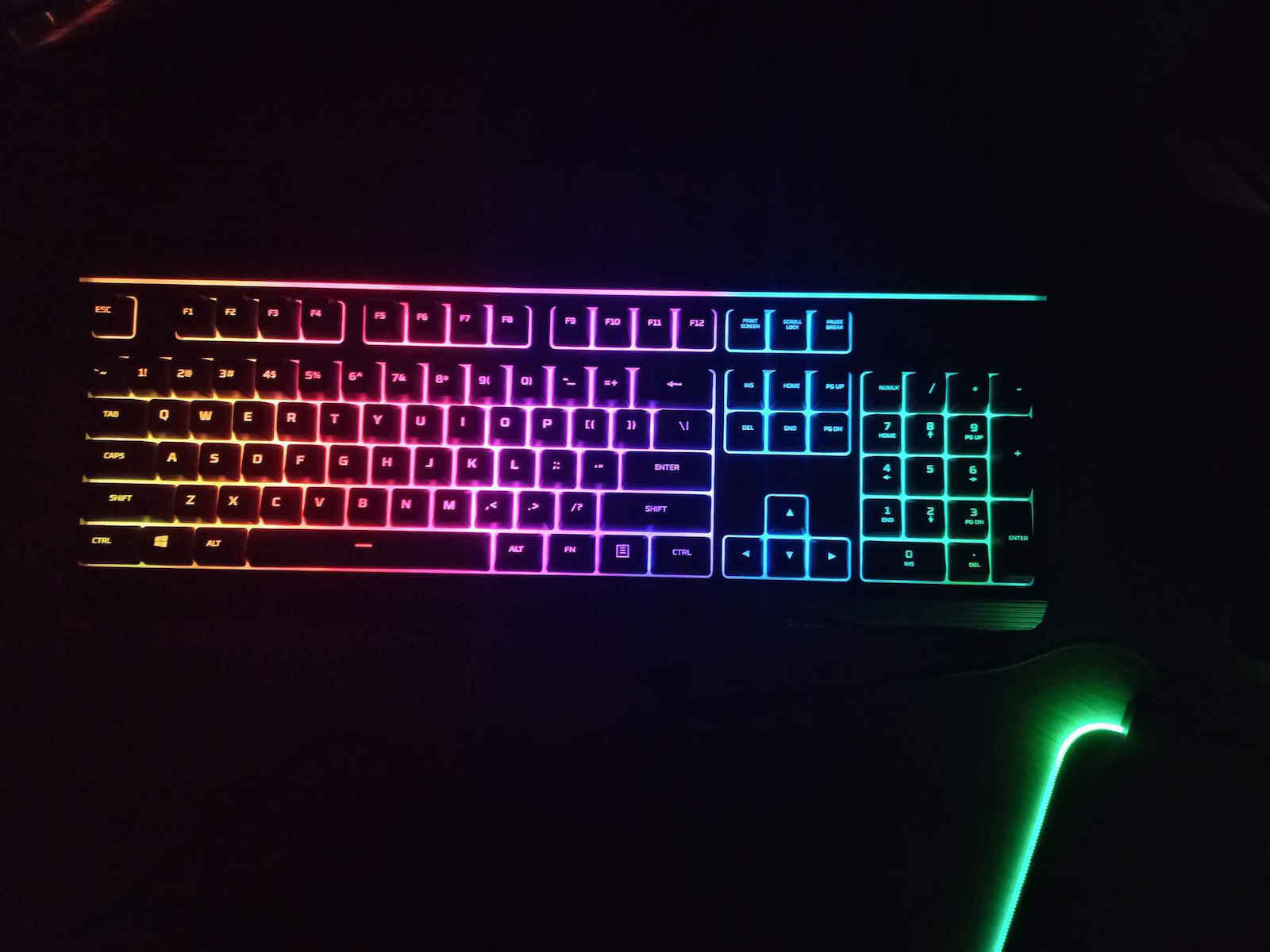
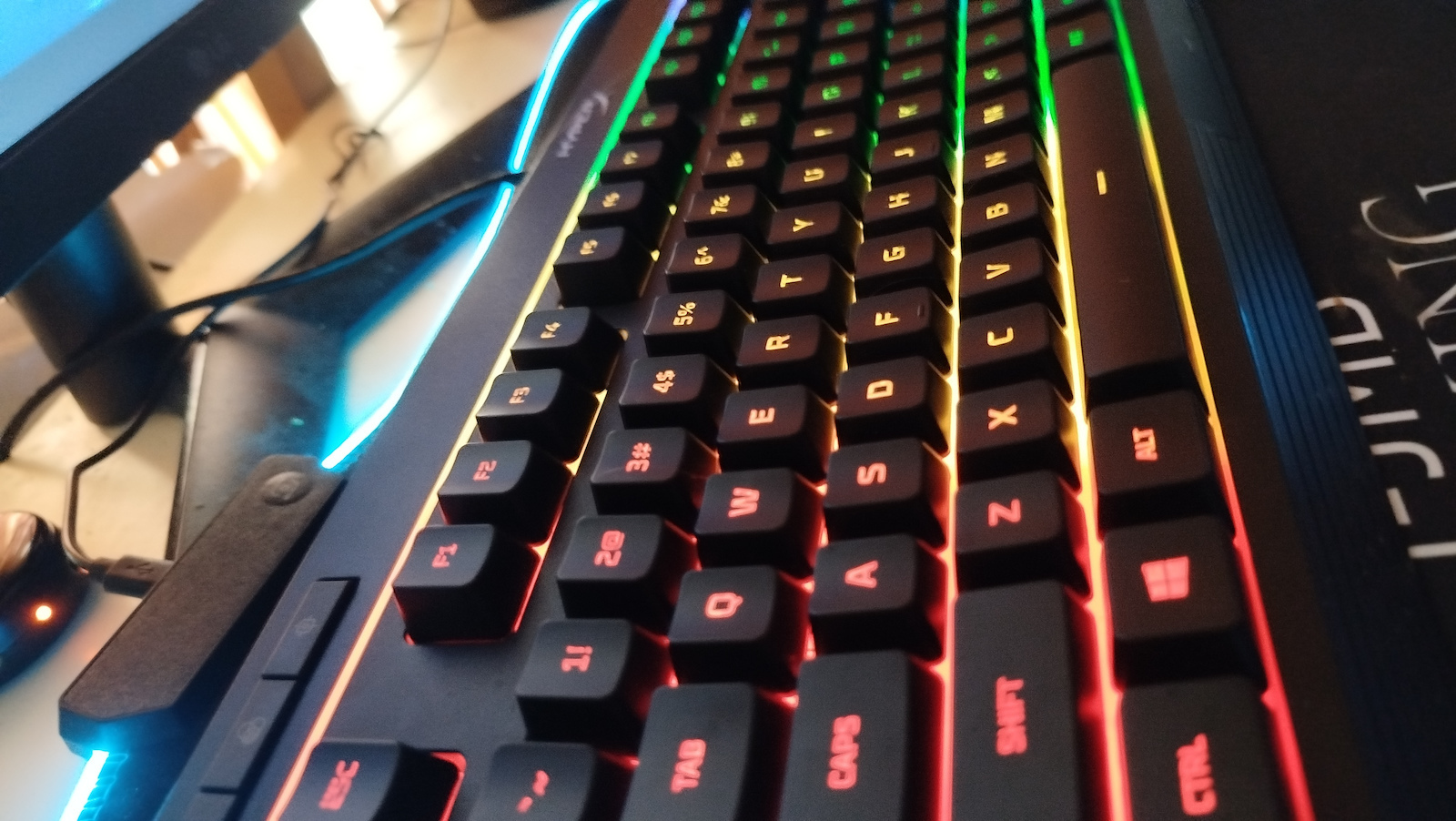
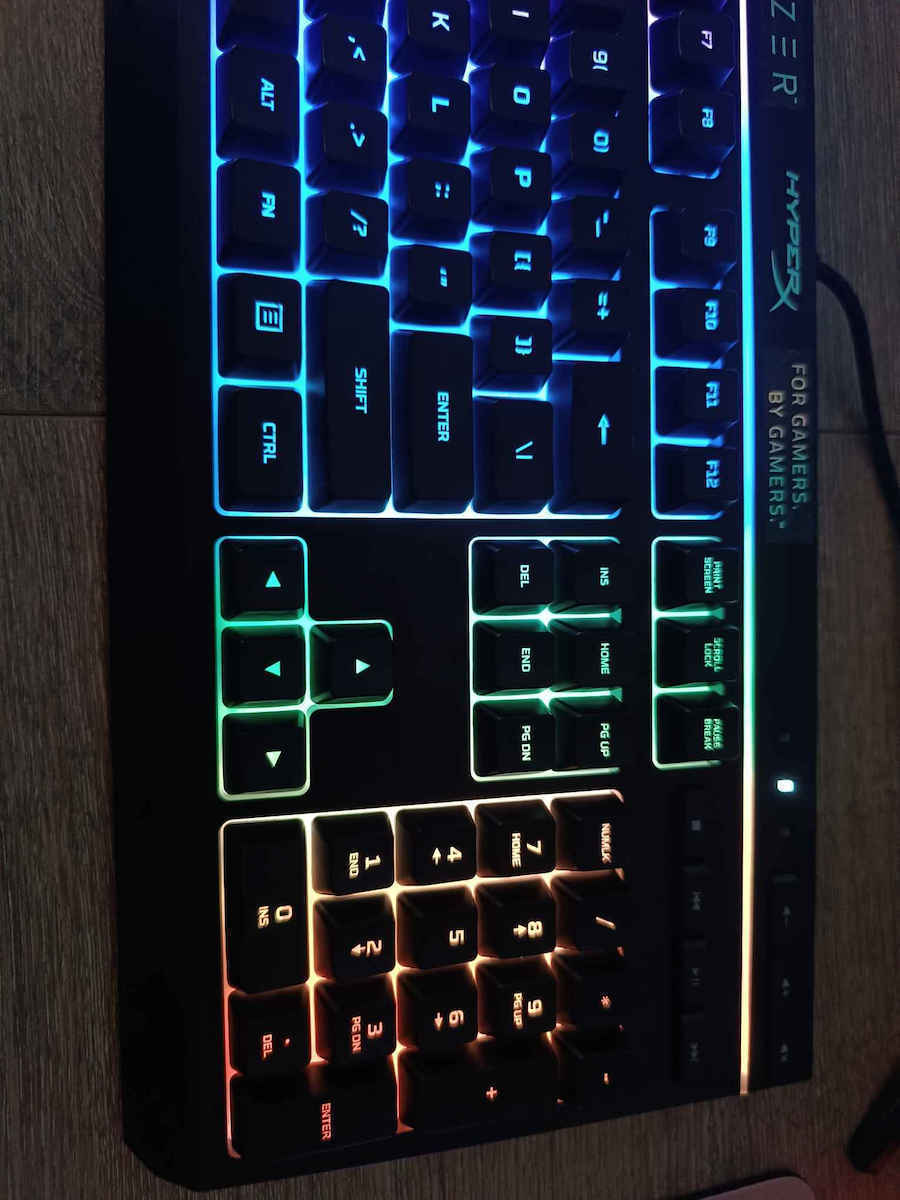
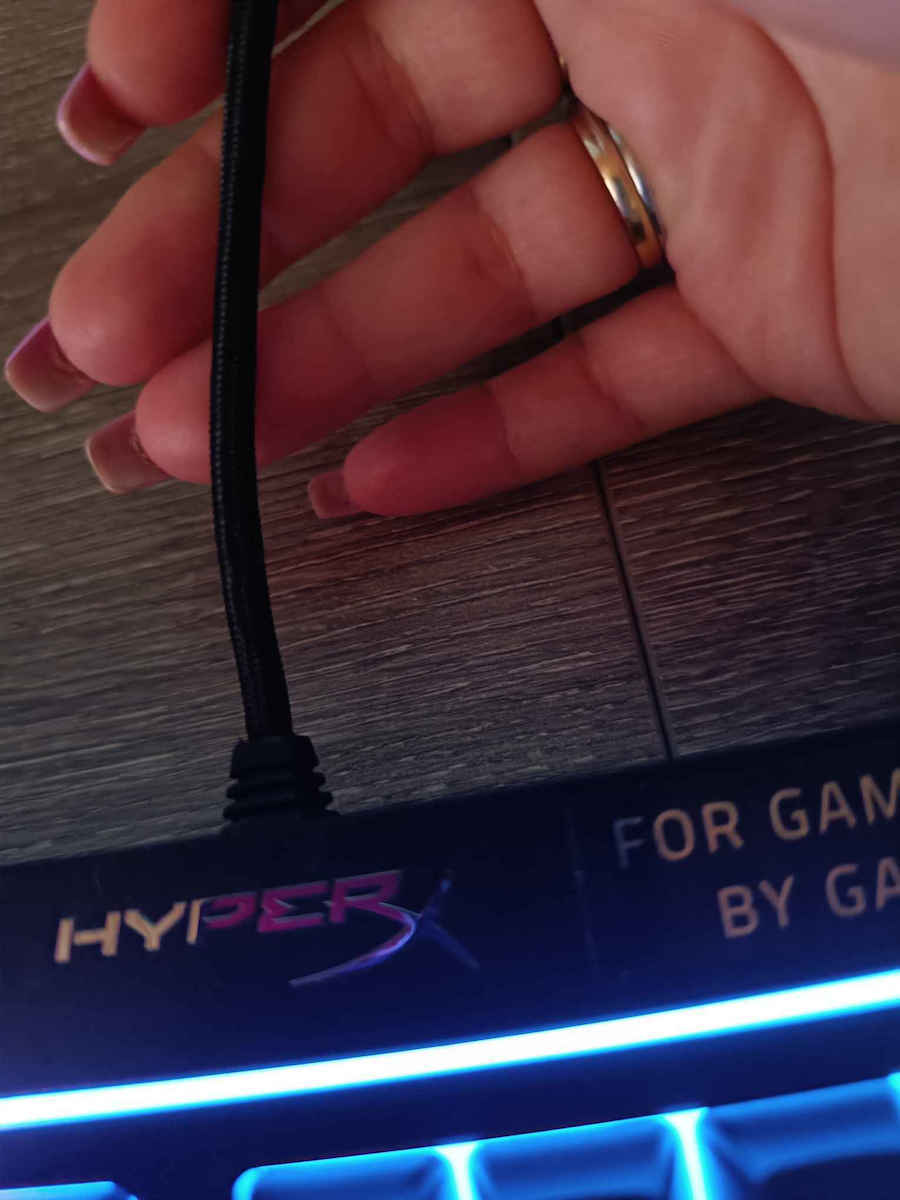
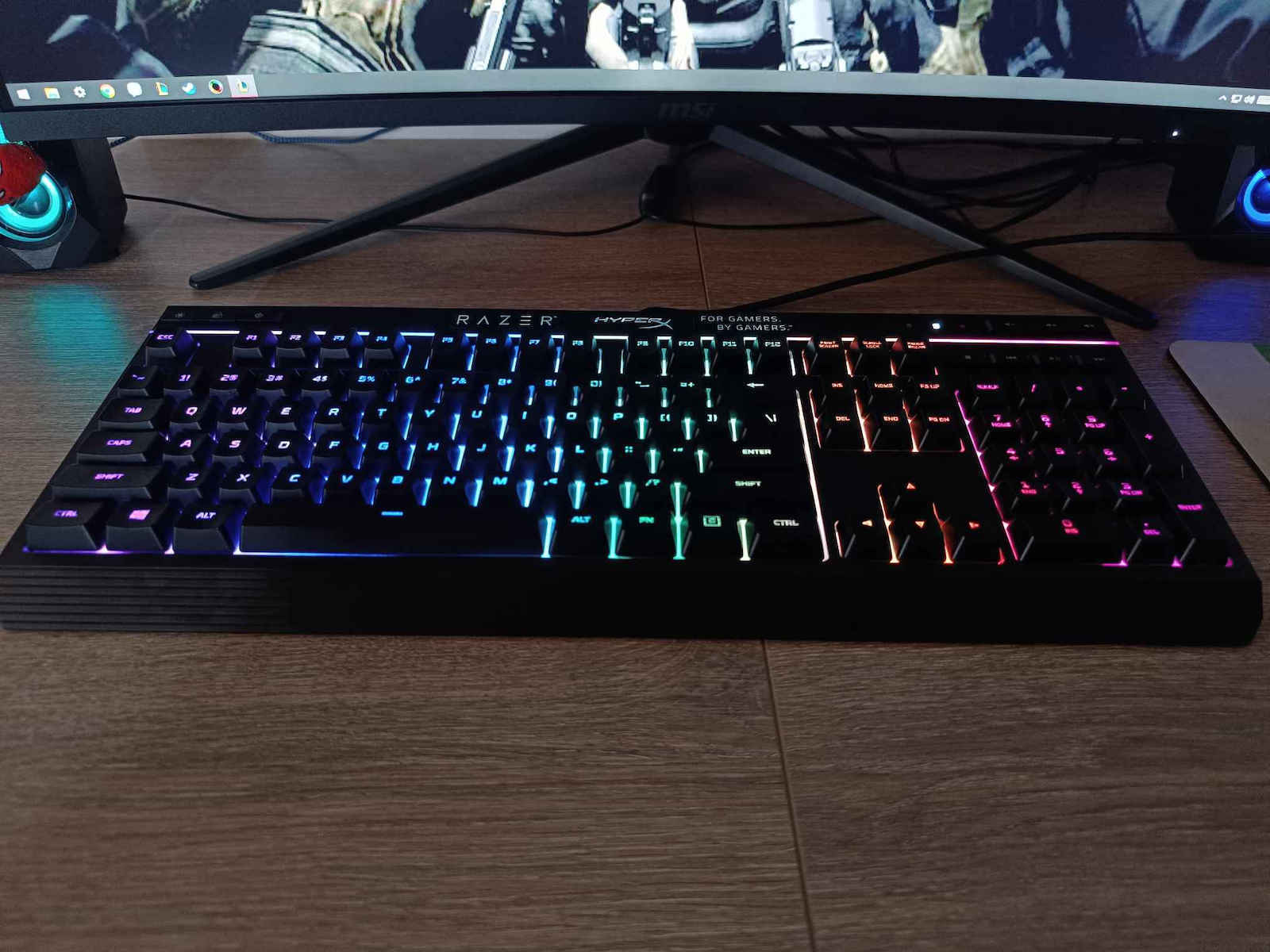
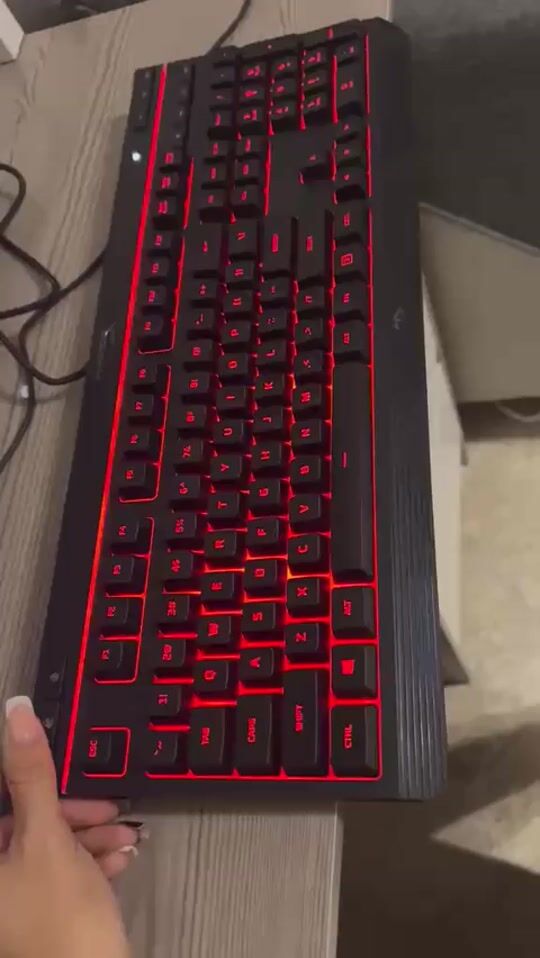
The specific keyboard is a membrane keyboard and costs around 50-60 euros including shipping/cash on delivery, but often drops to 30-35 euros.
So far, it is 10/10, but it will show after 1-2 years if it is worth it or not.
Now that I am using it, it is excellent. It has separate media keys (volume up/down, Play/Pause, etc.), a button to lock the Windows start, and buttons to control the lighting.
Regarding the lighting/RGB, it has 2 buttons. One is for on/off and has 2 brightness levels, while the other button changes the modes.
Let's say it has 6 modes: breathing, solid, 3-color (colorful), and a breathing mode that changes colors.
It has blue, purple, pink, white, red, orange, yellow, and green colors.
You can change colors with FN + right/left arrows and speed with FN + up/down arrows.
You cannot do anything else with the lighting, for example, you cannot individually light up specific keys that you use.
Generally, membrane keyboards do not have good RGB control, so if you want to control the lighting/RGB exactly as you want, you go for a mechanical keyboard.
This is for people who want a 1ms membrane keyboard without gimmicks, like a mechanical feel and the nonsense that Logitech/Corsair etc. have.
Update: When I turn on the RGB, there is noise coming from the keyboard. Now I don't know why this is happening or what it is caused by.
It's like there is coil whine in the keyboard, so every time I activate the lights (RGB), it can be heard. It's probably because it's struggling, but it doesn't create any problem, just annoying.
Update: In the RGB modes that have different colors in zones, you can change the color with FN + F1, F2, F3, F4, F5.
Update: From what they say, the polling rate is how often the computer checks the USB keyboard to detect which button you pressed or where the button is located, let's say USB latency.
The input lag is the total delay of the keyboard.
For example, because the USB/computer checks every 1000Hz (1ms), it doesn't mean that the keyboard updates every 1000Hz (1ms). That's how I understood it.
For example, on Rtings, it shows that this keyboard has a 15.3 ms delay (Latency)
https://www.rtings.com/keyboard/reviews/hyperx/alloy-core-rgb
and using a program (keyboard inspector) to check the polling rate... it says 250Hz.
I don't know how accurate this program is, but HyperX in the keyboard specifications says 1000Hz polling rate.
Το Συγκεκριμένο πληκτρολόγιο είναι membrane(μεμβράνη) και κοστίζει γύρω στα 50-60 ευρώ μαζί με μεταφορικά/αντικαταβολή αλλά πέφτει συχνά στα 30-35 ευρώ.
Μέχρι τώρα είναι 10/10 θα δείξει μετά από 1-2 χρόνια άμα αξίζει η όχι
Τώρα που το χρησιμοποιώ είναι άριστο, έχει ξεχωριστά media key(volume up/down,Play/Pause etc.), κουμπί για να κλείδωση το windows start και Κουμπιά για να ελέγξεις τον Φωτισμό.
Στον Φωτισμό/RGB έχει 2 κουμπιά το ένα είναι on/off, έχει 2 στάδια φωτεινότητας, το άλλο κουμπί αλλάζει τα modes.
Έχει 6 modes ας πούμε, το πρώτο είναι το breathing,solid,3 έγχρωμα (colorful), και ένα breathing που αλλάζει χρώματα.
Έχει Γαλάζιο, μπλε, μωβ, ροζ, άσπρο, κόκκινο, πορτοκάλι, κίτρινο, πράσινο αυτά.
Αλλάζει χρώματα με FN + δεξιά/αριστερά βελάκια και ταχύτητα με FN + πάνω/κάτω βελάκια.
Δεν μπορείς να κανείς κάτι άλλο με τον φωτισμό του, π.χ. δεν μπορείς να φώτισης ξεχωριστά καπια πλήκτρα που χρησιμοποιείς.
Γενικός τα membrane keyboards δεν έχουν καλό RGB control να το πω έτσι, οπότε άμα θες να ελέγξεις τον φωτισμό/rgb ακριβώς όπως θες πας σε mechanical keyboard.
αυτό είναι για άτομα που θέλουν 1ms membrane keyboard χωρίς gimics φάση mechanical feel και βλακείες που έχει η logitech/corsair etc
Update: όταν ανοίγω το RGB του, ακούγονται παράσιτα από to Πληκτρολόγιo. Τώρα δεν ξέρω γιατί γίνεται αυτό ή από τι είναι.
σαν να υπάρχει coil whine στο πληκτρολόγιο, οπότε κάθε φορά που ενεργοποιώ τα φώτα(rgb) ακούγεται. μάλλον επειδή ζορίζεται? αλλα δεν δημιουργεί κάποιο πρόβλημα αλλά είναι σπαστικό.
Update: Στα RGB Modes που έχουν διαφορετικά χρώματα στα Zones μπορείς να τα αλλάξεις χρώμα με FN + F1,F2,F3,F4,F5.
Update: από ότι λένε το Polling Rate είναι το πόσο συχνά ελέγχει ο υπολογιστής το USB πληκτρολόγιο για να δη τη κουμπί πάτησες η σε πιο σημείο βρίσκεται το κουμπί, ας το πούμε USB latency.
Το Input Lag είναι η συνολική καθυστέρηση του πληκτρολόγιου.
Δηλαδή επειδή το USB/Υπολογιστής ελέγχει κάθε 1000Hz(1ms), δεν σημένει ότι το πληκτρολογιο ενημερώνει καθε 1000 Ηz(1ms). έτσι το κατάλαβα εγώ.
Για παράδειγμα στο Rting δείχνει ότι αυτό το πληκτρολόγιο έχει 15.3 ms καθυστέρηση(Latency)
https://www.rtings.com/keyboard/reviews/hyperx/alloy-core-rgb
και χρησιμοποιώντας ένα πρόγραμμα(keyboard inspector) για να δο το polling rate... λέει 250Hz.
Δεν ξέρω πόσο σωστό είναι αυτό το πρόγραμμα, πάντως η hyperx στης προδιέγραφές του πληκτρολόγιου λέει 1000Hz polling rate.