


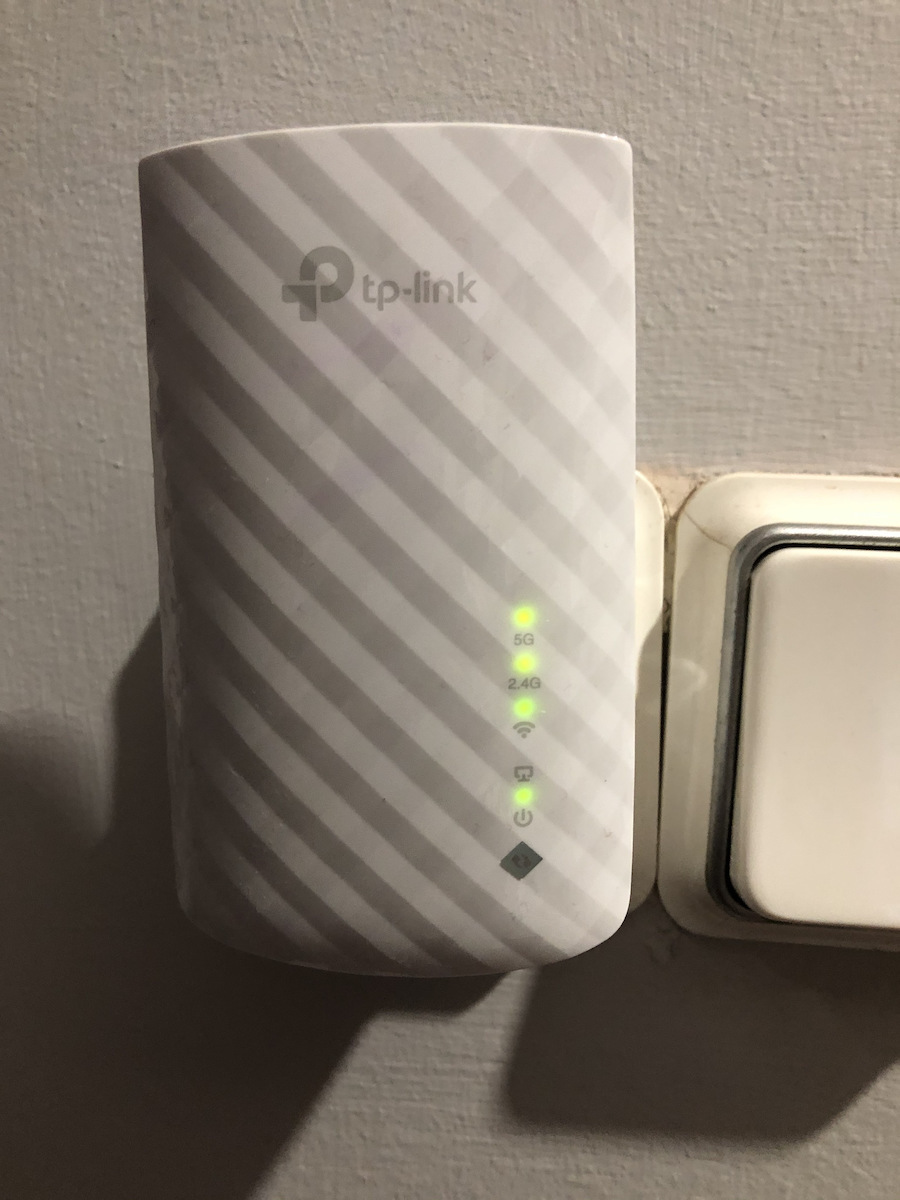
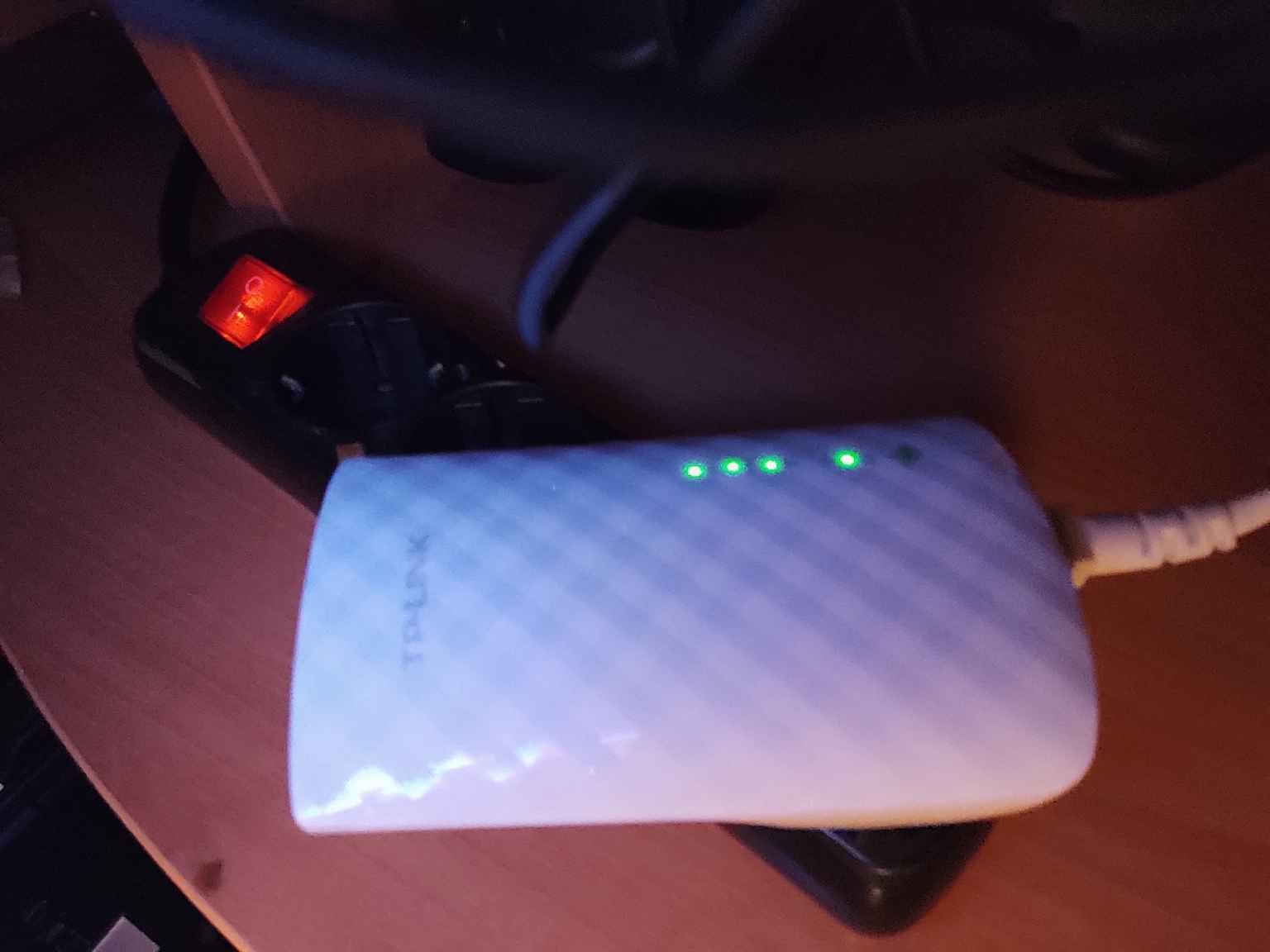
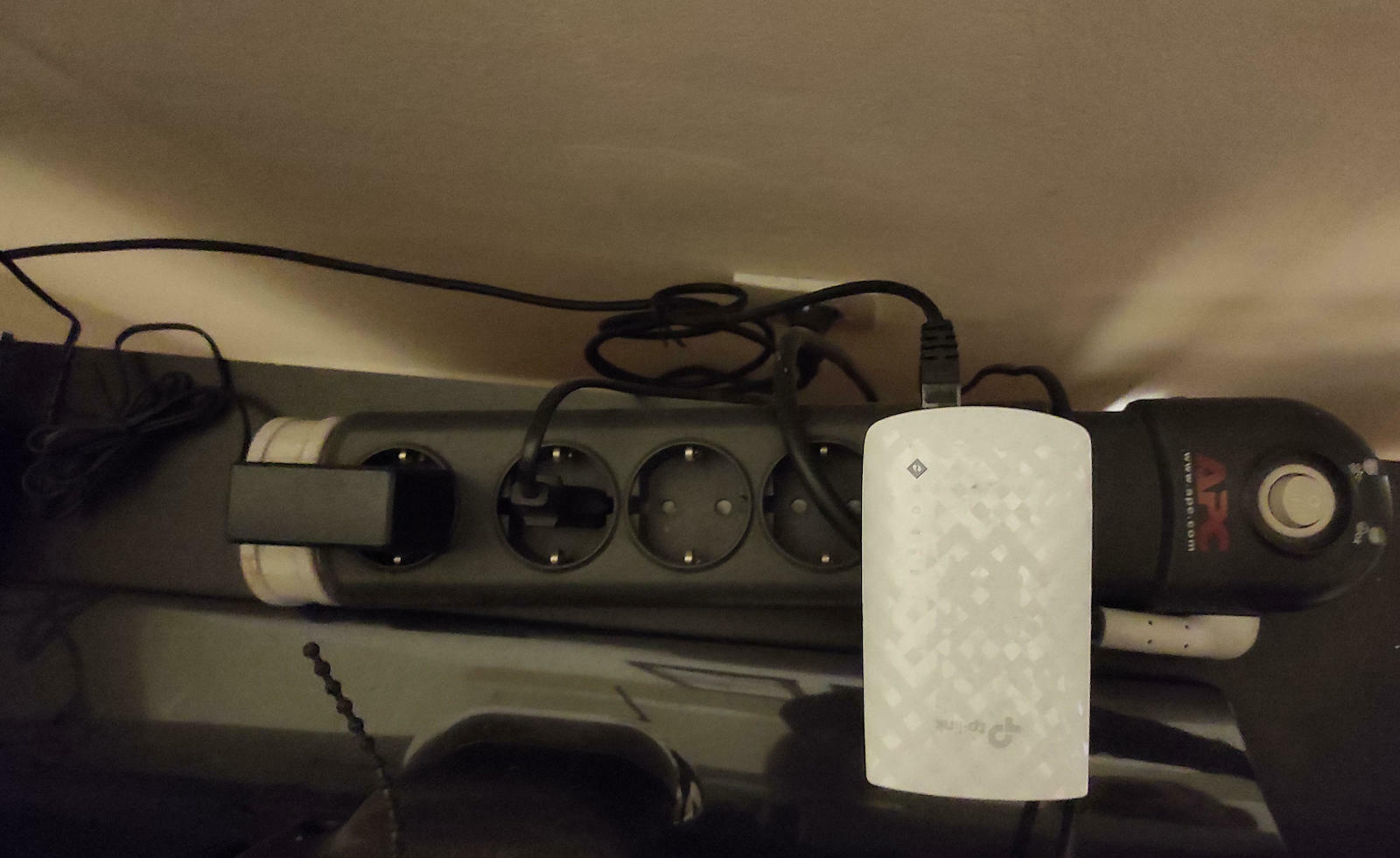
By pressing the WPS button on the router and the RE button on the RE200 within two minutes, they will connect to each other. Once the connection is established, you can move the RE200 to the location you have chosen for the best signal transmission.


Description
Specifications
Place the RE200 between the wireless router and areas with poor or no signal, increasing the range of your network in spaces up to 185 square meters.
Connect with the press of a button
By pressing the WPS button on the router and the RE button on the RE200 within two minutes, they will connect to each other. Once the connection is established, you can move the RE200 to the location you have chosen for the best signal transmission.
Signal Strength Indicator
The smart signal indicator reads the signal strength from the router to help you position the RE200 in the ideal location.

Ethernet port
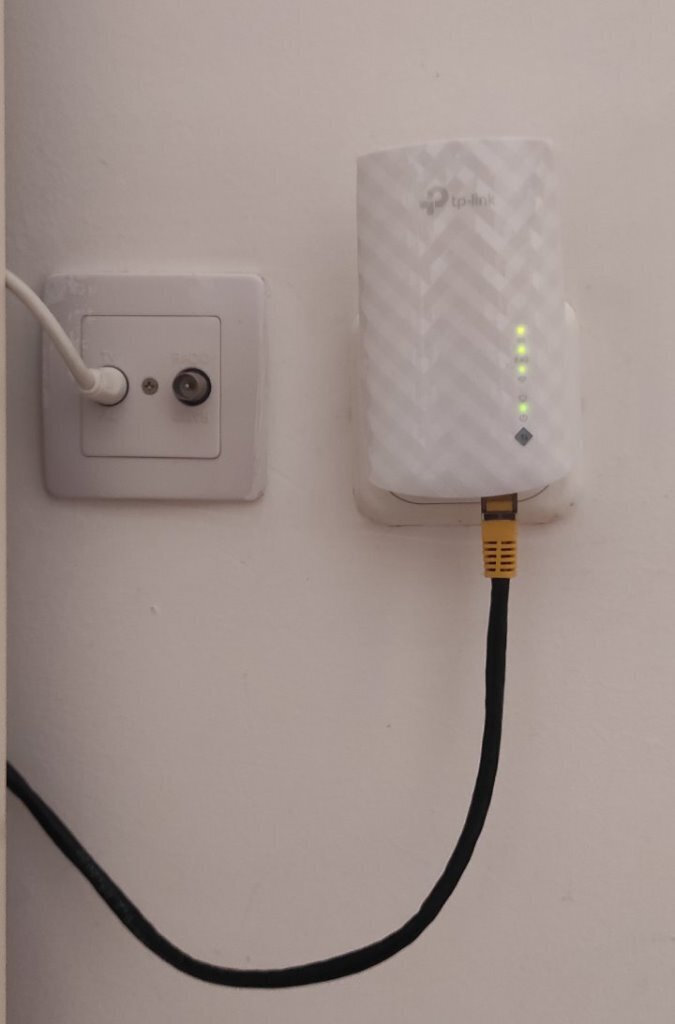
With the ethernet port, the RE200 can also function as an adapter for connecting devices such as computers, consoles, televisions, etc. without Wi-Fi capability to the network while maintaining its repeater functionality.
Technical Specifications
- Ethernet Ports
- 1
- LAN speed
- 100 Mbps
- USB
- Without
- Number of Antennas
- 1
- Passthrough
- No
Wi-Fi Features
- Frequency
- Dual Band (2.4 & 5GHz)
- Maximum WLAN Speed
- 750 Mbps
- Wi-Fi Generation
- Wi‑Fi 5
- IEEE Networking Standards
- 802.11ac, 802.11 b/g/n, 802.11a
Features & Functions
- Mesh
- No
- WPS Button
- Yes
- Security Protocol
- WPA, WPA2
Installation
- Socket
- Yes
- Desktop
- No
- Outdoor
- No
Important information
Specifications are collected from official manufacturer websites. Please verify the specifications before proceeding with your final purchase. If you notice any problem you can report it here.